




WordPress vs Webflow: Complete Guide for Saudi Businesses

July 14, 2026
Deciding whether WordPress vs Webflow comes down to certain questions that need an answer.
Before you choose one, you need to know what you need most from your website. WordPress gives you more flexibility, more plugins, and a platform that works well for almost any kind of site. In comparison, Webflow offers a more visual design experience and makes it easier to build a modern-looking website.
Although both are strong options, the right choice depends on your goals, budget, and how much control you want over design and content. Let’s compare the two platforms in simple terms and identify the best one for your business.
What is WordPress?
WordPress is the world’s most widely used open-source content management system that powers a significant portion of the web, from individual blogs to enterprise properties. When it comes to WordPress development in Saudi Arabia, they have used it to build client sites, content hubs, membership platforms, and custom applications for two decades.
What is Webflow?
Webflow is a professional no-code website builder and CMS that produces clean HTML, CSS, and JavaScript. It is designed for those designers who think in CSS and want their visual editor to mirror how browsers render layouts. They are known for design precision, a capable CMS for content-driven sites, and a managed hosting and publishing environment.
WordPress vs Webflow at a Glance
The table below will help you understand the difference between WordPress vs Webflow. Before we get into the differences in detail, let’s get a snapshot of how they differ.
| Features | Webflow | WordPress | Best One |
| Ease of Use | Easier for those who prefer designing directly on the page. | It is much easier with the starter package, but with time you need more setup for hosting, themes, and plugins. | WordPress is the best one for starters. |
| Cost | There are clear monthly pricing plans, with a free starter plan. | The software is free, but you need to pay for hosting, domain, themes, and plugins. | Webflow is budget-friendly with access to features. |
| Design Control | Strong visual control with numerous designs. | Designing is flexible, but it usually depends more on themes, builders, and plugins. | Webflow offers users visual control and endless designs. |
| Plugins/ add ons | Most of the features are built-in, so you often need fewer extra tools. | The plugin ecosystem is huge, which gives you many more add-on options. | Webflow is better if you have access to most of the features. |
| Hosting | The hosting feature is already part of the platform. | The choice of hosting provider is your right. | Webflow is best, as there is no need for choosing a hosting provider. |
WordPress vs Webflow: Detailed Comparison
WordPress is not a hosted SaaS product, you own your data. Whereas Webflow is a managed SaaS product. Hosting is included, and updates happen automatically. There are other factors in which these two differ from each other.
-
Pricing and costs
This comparison between WordPress vs Webflow is not as simple as it seems. Although WordPress is free, you still need to pay separately for hosting, themes, plugins, and maintenance. Webflow includes all things, but the monthly cost is higher.
WordPress
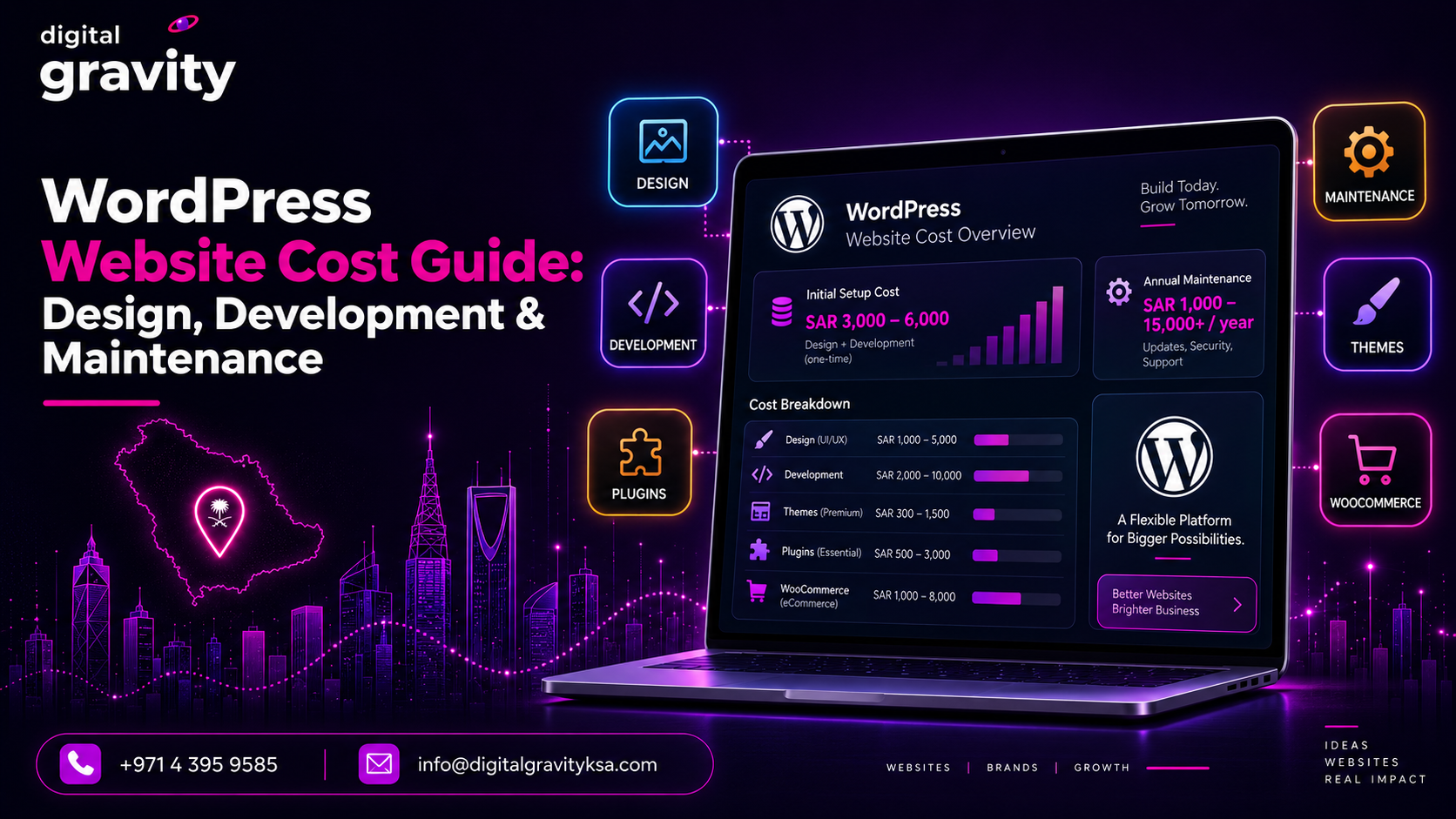
You can avail yourself of the free software service, but for access to advanced ones, you need to pay hosting fees that start at about SAR 10.31/month or SAR 15.00/month.
Webflow:
In the same way, the starter package is free with limited features. If you want access to other tools, pay approximately SAR 56.25/month or SAR 675.00/year for the basic package. The premium one with more advanced features will cost approximately SAR 93.75/month or SAR 1,125.00/year.
-
Design control
Let’s examine the options that you have for designing your website in Webflow and WordPress.
Webflow:
It has an edge in raw design precision. Its visual editor is built on CSS concepts, so designers get granular control over every layout decision without writing code. Animations, interactions, and responsive behavior are all handled visually, and the output reflects exactly what was designed.
WordPress:
This platform with Elementor gives comparable visual control, with the advantage of a plugin ecosystem that extends design capabilities in almost any direction.
-
Content management
Although both platforms can manage content well, they do it in different ways. WordPress gives deeper control and more advanced structure. Webflow keeps things simple and more visual.
WordPress:
It is the reference standard for content management. Its CMS underpins editorial teams at publishers, enterprise organizations, and media companies worldwide. It is the custom post types, taxonomies, custom fields, and the REST API that give WordPress a content architecture that can handle almost any requirement.
Webflow:
Webflow’s CMS also covers the most common content structure. It handles collections, references between collections, and dynamic content binding to design components. For straightforward content-driven sites, it is capable and clean.
-
Ecosystem and extensibility
WordPress wins the race for its larger ecosystem. It offers more plugins, integrations, and hosting choices than most platforms. Webflow covers many common needs too, but its ecosystem is smaller.
WordPress:
WordPress wins on ecosystem. The range of plugins, integrations, and hosting options available for the platform is unmatched by any other platform. Payment gateways, membership tools, and SEO plugins.
Webflow:
This platform has its own integrations and a marketplace of templates and third-party tools. It also covers common use cases. For specialized requirements, the ecosystem is smaller. Many teams that use it rely on external tools connected via Zapier for functionality.
-
Data ownership and hosting
Ownership is another clear difference. WordPress gives its users access to their site, files, and data. Webflow keeps everything inside its own platform, which is easier to manage but less flexible if you ever want to move away.
WordPress:
The platform gives you full data ownership. You can export everything, move hosts, and maintain complete control of the underlying database and files. This feature is important for those clients that want control of infrastructure. Additionally, it will benefit agencies who need to hand over a site without booking the client.
Webflow:
This platform is a managed SaaS product. Your content lives in Webflow’s infrastructure. You can export HTML, CSS, and assets, but the CMS content and site hosting are tied to the platform. This is a reasonable tradeoff for many teams, and its hosting is reliable.
-
Beginner-friendly
Beginners already suffer with a lot of things on their plate. In such a situation, they look for software that is easy to use and fits well in their budget.
Webflow:
Webflow is best for beginners who think visually and want to design without coding. Its editor is modern and clean and helps users build pages by seeing the results. It often feels a little technical at first as it follows real design and layout logic. But it is easier for design-focused beginners than for complete first-timers.
WordPress
WordPress is considered easier for those who want to publish content and manage a website without learning much about designing. The dashboard is familiar, and many tutorials, plugins, and themes help users to get started.
-
E-commerce
E-commerce is one of the most important elements for a business. Let’s find out which one is better in these terms.
Webflow:
Webflow is a strong option for e-commerce if you want a stylish store that is full of design freedom. It allows users to control the look and feel of the product pages, checkout flow, and the overall shopping experience. This is one of the reasons that it is a good choice for smaller businesses that care about design and presentation.
WordPress:
WordPress becomes stronger when it is paired with WooCommerce. It gives more room to grow, more plugins, and more flexibility for store features, payments, shipping, and product management. This feature makes it a better fit for those businesses that want a store they can expand over time.
WordPress vs Webflow: The Right Users for Each of Them
When one software has a specific feature, and the cost is almost the same, then who are the specific users for each of them?
WordPress:
WordPress is the right platform for:
- Professional web creators who need full ownership of the stack.
- Those who have access to the deepest plugin ecosystem in the industry.
- Agencies delivering client sites on self-hosted infrastructure and teams that need deep e-commerce.
- Publishers managing large content archives.
- Developers who need to customize every layer of the stack.
Webflow:
In the same way, Webflow is ideal for:
- Professional designers who think in CSS and want design precision without managing a server.
- Marketing teams that need polished, content-driven sites and landing pages without a developer dependency.
- Agencies that want an all-in-one build-and-host environment for client marketing sites.
Conclusion
When choosing between WordPress vs Webflow, there are certain things to consider. Choose WordPress when you need the deepest plugin ecosystem, full data ownership, and self-hosted infrastructure. It is a platform that has a large developer and agency community.
Choose Webflow when you are a designer who thinks in CSS and wants an all-in-one managed environment. You are building primarily marketing websites and CMS-driven content sites where design precision is the priority and plugin extensibility is not a requirement.
FAQs
Is Webflow better than WordPress?
It depends on the situation. Webflow is better if you want visual design without code, fast hosting, and minimal maintenance. WordPress is better if you need maximum flexibility, are looking to leverage a large ecosystem, and have a limited budget.
Can I migrate from WordPress to Webflow?
Yes, but the process is not straightforward. WordPress content can be exported, but the design needs to be completely rebuilt in Webflow.
Which is the better platform for SEO?
Both platforms work well for SEO, but WordPress has more SEO plugins and a larger ecosystem. Webflow offers built-in SEO tools and generates cleaner code by default.
Which platform needs less maintenance?
Webflow requires very little maintenance because updates and hosting are managed for you. With WordPress, you are responsible for keeping themes, plugins, and the core software up to date.
Can I use both platforms together?
Yes, some people use Webflow for marketing sites and run their clients’ blogs or e-commerce on WordPress.

Maha Asif
Driven by curiosity and a passion for digital growth, Maha explores the ideas, trends, and strategies shaping the online world. Her interests span digital marketing, technology, web design, e-commerce, and business innovation. Through thoughtful research and engaging storytelling, she aims to turn complex topics into practical insights that help readers stay informed and businesses stay ahead.